Where Is Work Waiting? Four Flow Metrics That Make It Visible
WIP, cycle time, throughput and work item age: the four flow metrics that show where work waits, what they tell you and how to use them.
Articles / Agile Ways of Working
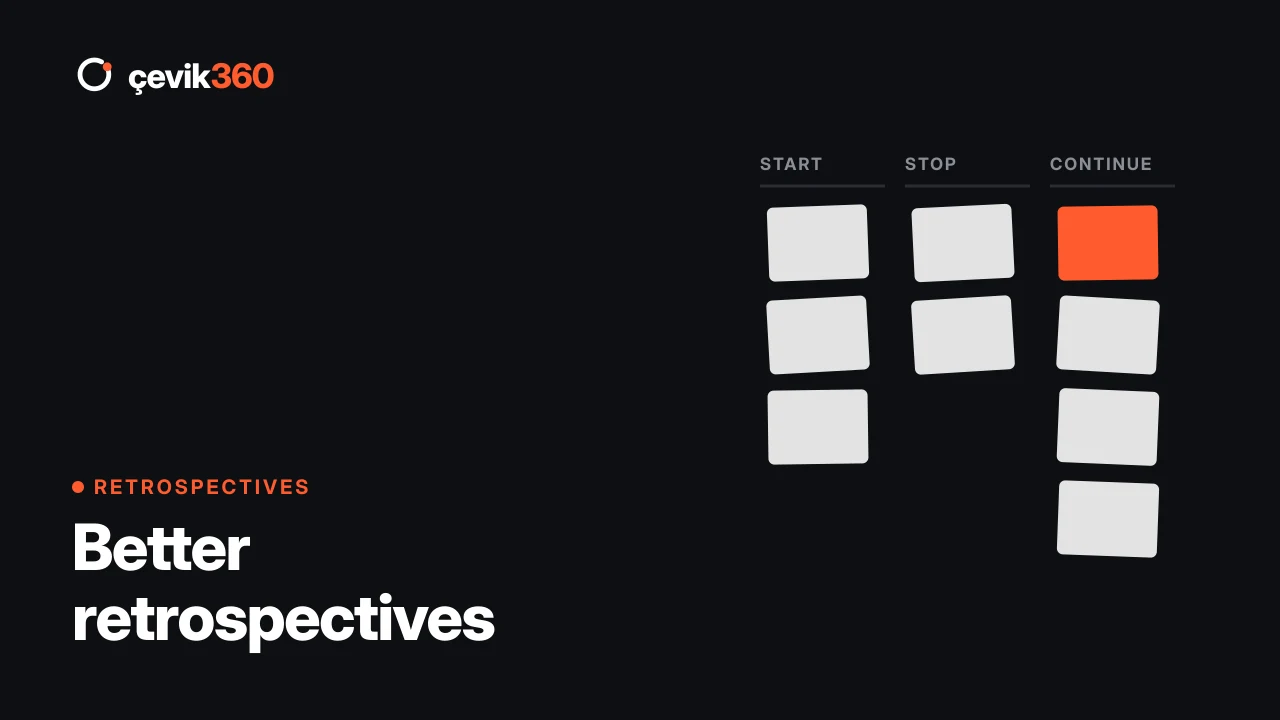
The Sprint Retrospective is one of the five Scrum events and takes place at the end of every Sprint. Its purpose is to plan ways to increase quality and effectiveness. The team inspects how the last Sprint went with regard to individuals, interactions, processes, tools and the Definition of Done, and identifies improvements for the next Sprint. It takes at most three hours for a one-month Sprint, and is usually shorter for shorter Sprints.
The retrospective is the continuous improvement engine of agile work. But in the field it’s also the meeting people most often complain about: “we talked about the same things again.” These tips help you break that loop.
If people can’t speak openly about problems, the retrospective becomes a formality. Start by reminding everyone of the assumption that “everyone did the best they could, given the circumstances.” If managers’ presence affects how open the team is, talk about it with the team.
Spend the first minutes on the Sprint’s data: items finished, cycle times, the longest-waiting items, whether the Sprint Goal was met. Data takes the discussion beyond “I think” and shows the real bottlenecks. From the field: retrospectives that start with flow metrics discuss far more concrete problems.
Asking the same three questions every Sprint gets tiring. Different formats open different perspectives:
“Testing was late” is a symptom, not a cause. Use the “5 Whys” or a fishbone diagram to dig beneath the problem. A problem whose root cause isn’t found comes back a few Sprints later.
One or two actions that really happen are far more valuable than ten that don’t. Give every action an owner and a measurable result.
The Scrum Guide notes that the most impactful improvements can be added to the next Sprint Backlog. Actions shouldn’t be forgotten in a separate document; they should be visible on the team’s daily board.
Start every retrospective with “what did we decide last time, and what happened?” Actions that aren’t followed up are the fastest way to destroy a team’s faith in retrospectives.
Long discussions drain energy. Split the agenda into time slots and focus on the most important topics.
Who facilitates the retrospective? Usually the Scrum Master. But rotating facilitation among team members increases ownership and lets the Scrum Master participate.
Should the Product Owner attend? Yes. The Product Owner is part of the Scrum Team, and many improvements relate to the backlog.
Do teams using Kanban hold retrospectives? Yes, often under the name “flow review”, focusing on metrics. See Moving to Kanban for details.
Related: What is Scrum?, What is a Sprint?, What is a Scrum Master?. To make your retrospectives data-driven, have a look at our continuous improvement services.
WIP, cycle time, throughput and work item age: the four flow metrics that show where work waits, what they tell you and how to use them.
AI speeds up coding, but work still waits for decisions, reviews and tests. What to know before you shorten your sprints.
The eight most common mistakes in agile adoption, from ignoring culture to limiting team autonomy, and how to avoid them.
In a 30-minute call, let's find the bottlenecks in your flow together.